
Around 75% of our clients use Route Optimization on an everyday basis and even recommend it to their peers!
An application like Maplytics, which not just schedules appointments but provides the most optimized route to reach them, is a boon for field management-based businesses! Maplytics’ Route Management helps its clients by providing the fastest or shortest routes. It displays the travel time and travel distance between two places of appointments, highlights traffic conditions, and even provides turn-by-turn navigation directions.
A user can even change the sequence of the travel locations and print or email the travel routes. A lot of our users like the fact that the complete route can be visualized on Apple Maps, Google Maps, or the Waze App with a single click.
Today, let’s take a closer look at how easily travel routes can be plotted on a map using Route Optimization in Dynamics 365.
Key Takeaways
|
How to add waypoints to a business route?
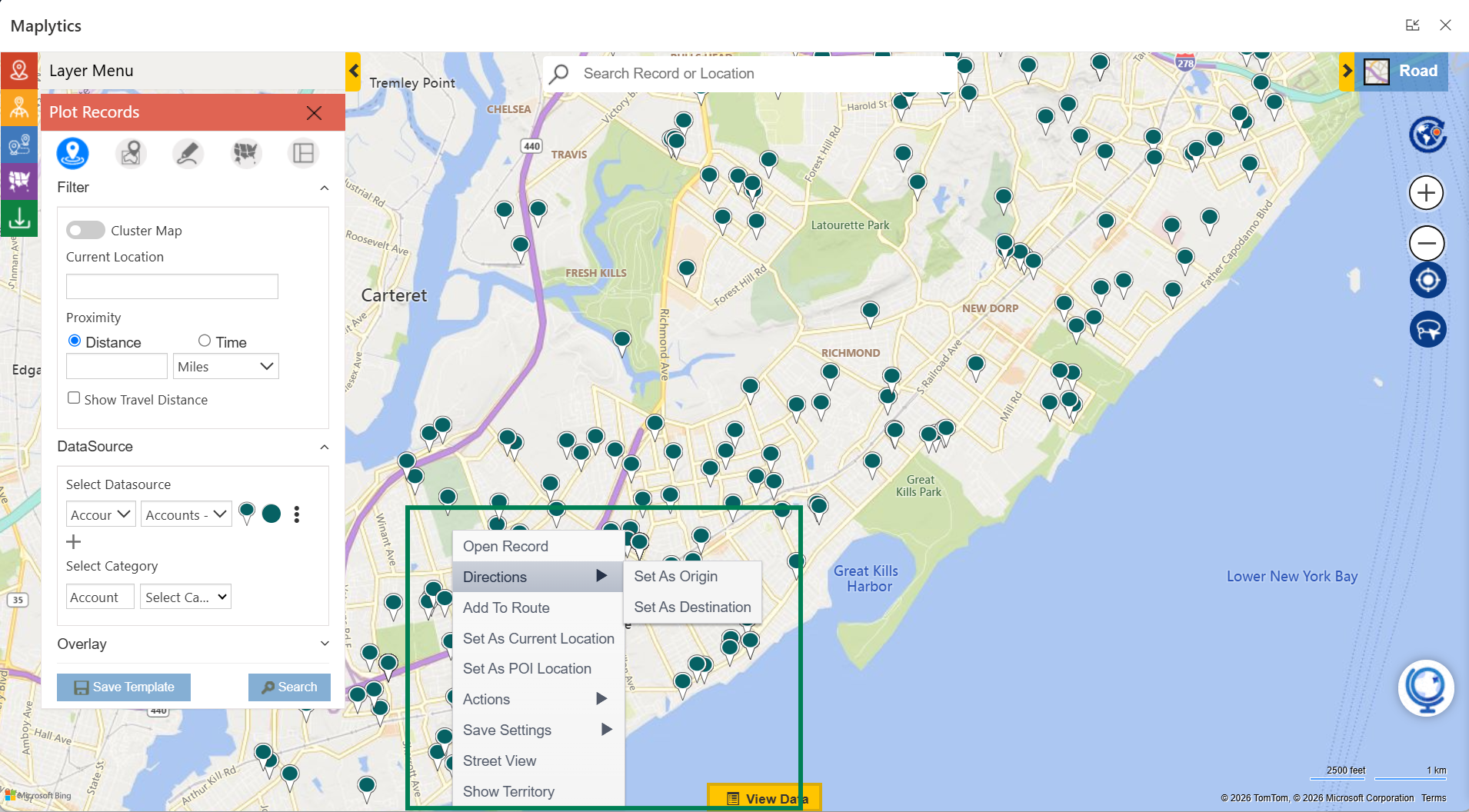
We can start by setting the origin and the destination. This can be done by right-clicking on any of the records, selecting Directions, and clicking on Set As Origin or Set As Destination.
 Once the origin and destination have been fixed, add the other waypoints by right-clicking on them and selecting Add To Route.
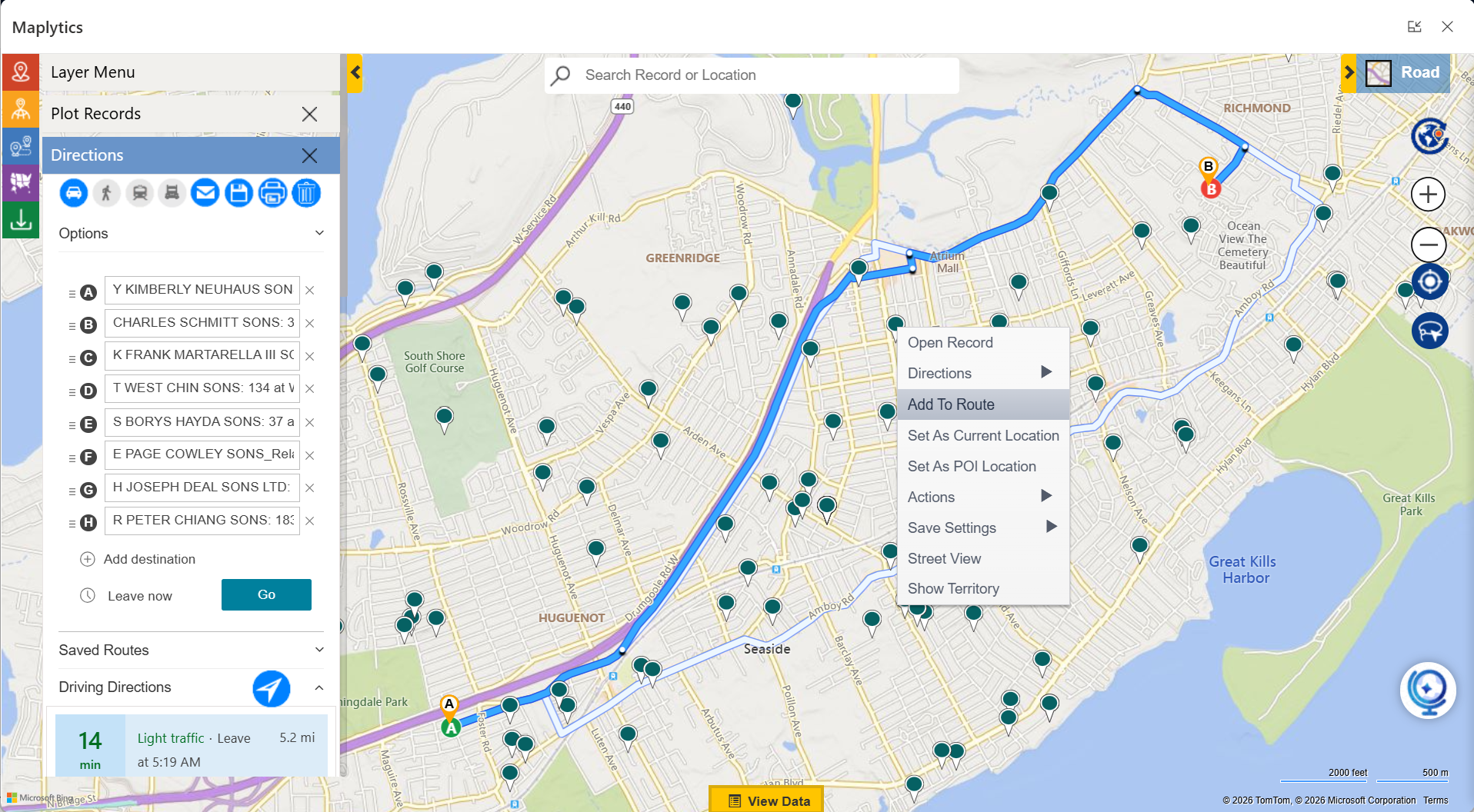 The added waypoints can be dragged to reorder.
How to get an optimized route that considers traffic factors as well?
By clicking on the options section, select among Shortest Time, Shortest Distance, or Optimized Direction. You can also choose options such as Avoid Highways, Toll Roads, and Traffic.
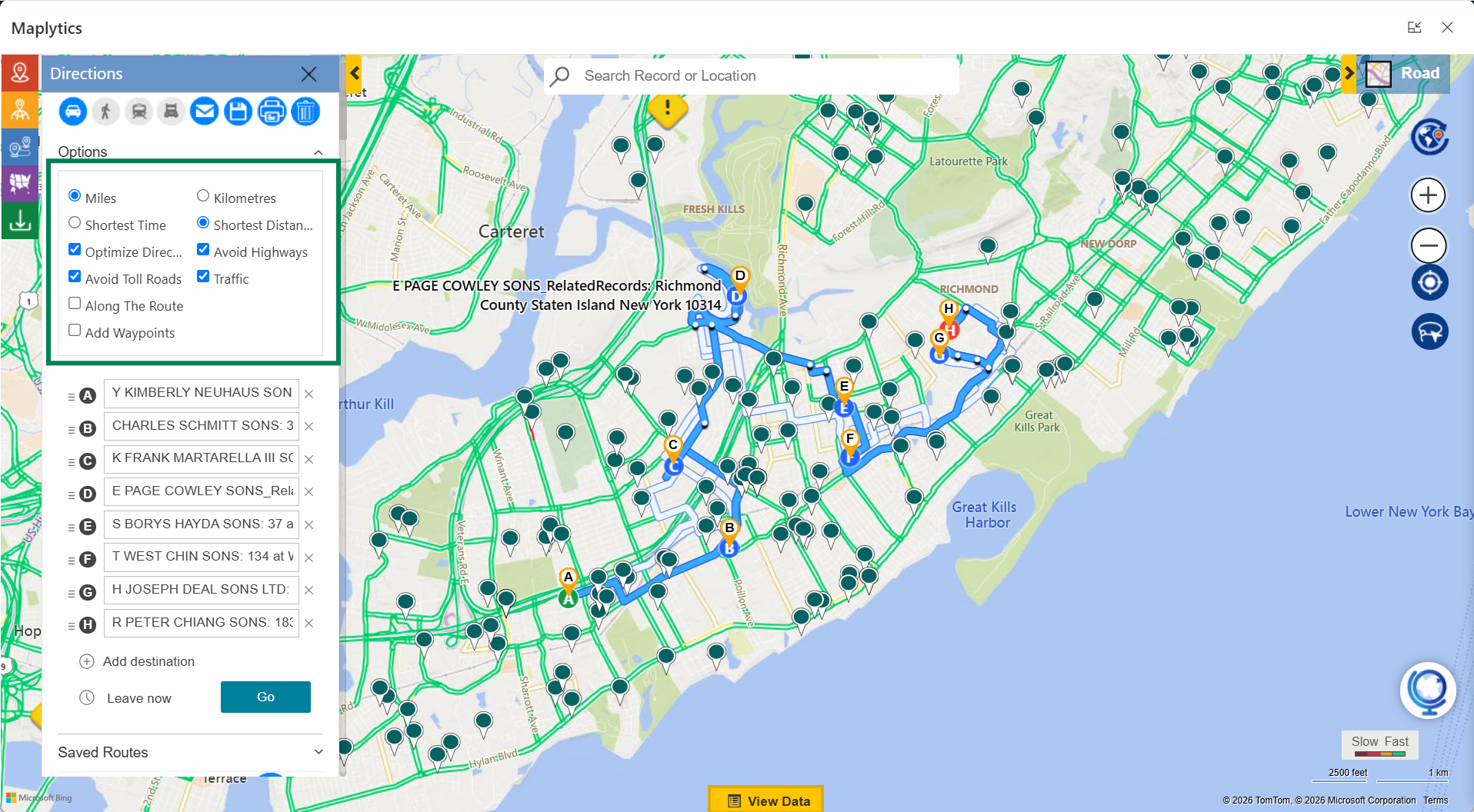 Waypoints, if forgotten, can also be added at this stage. More waypoints that are Along the Route can also be added.
Then click on the Go button, and the route can be viewed with the directions.
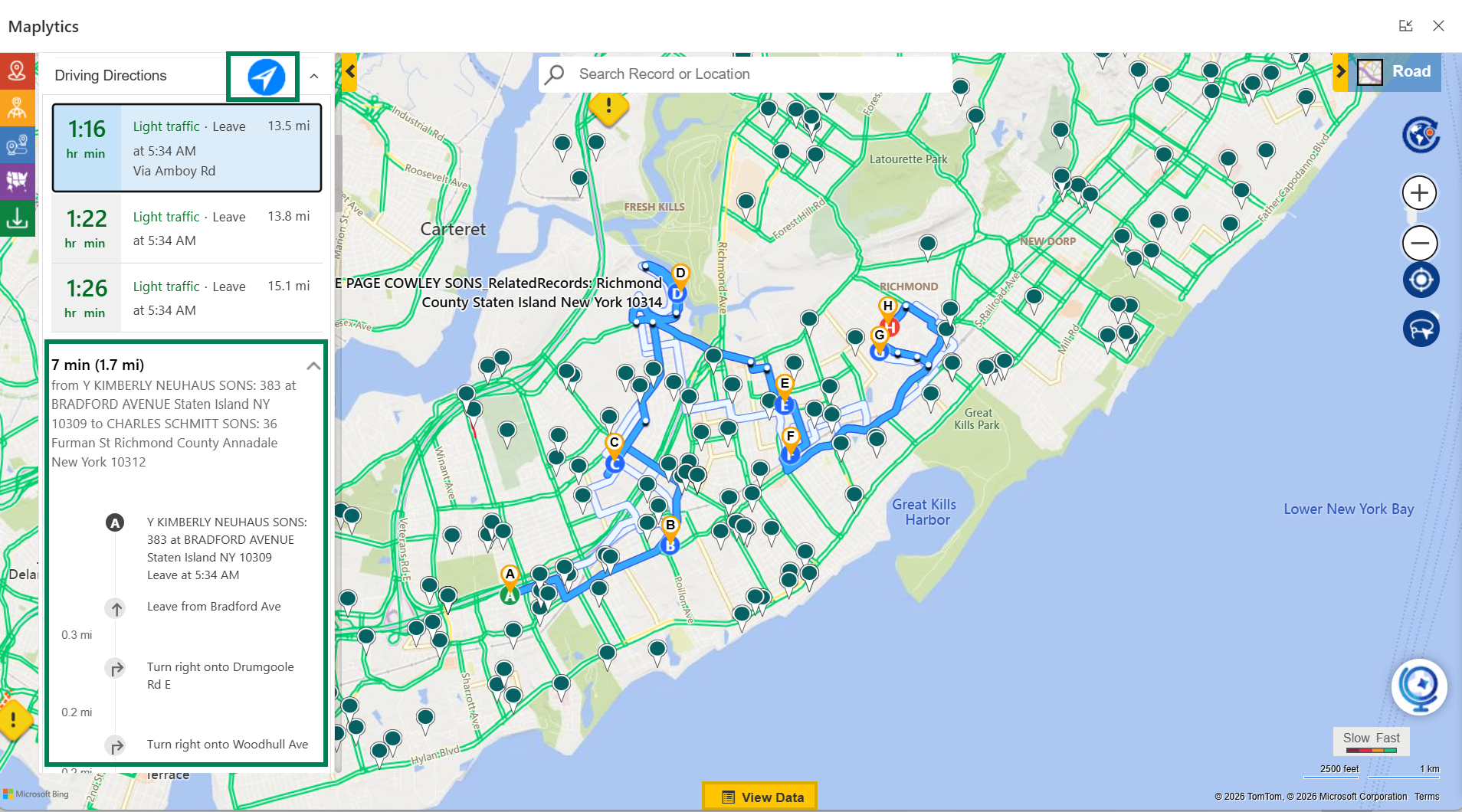 Clicking on the arrow, the directions can be propagated onto Google Maps, Apple Maps, or Waze Apps.
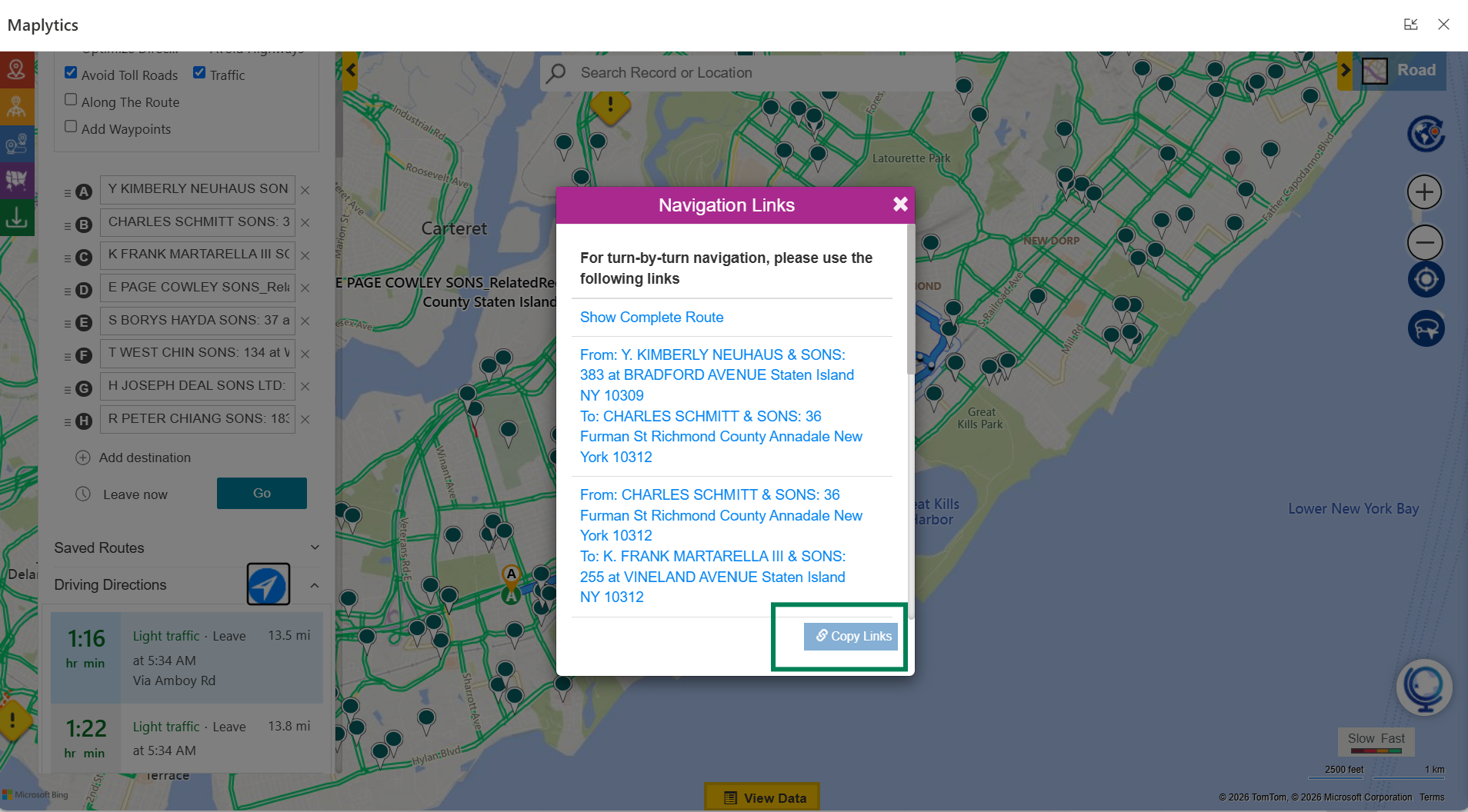 These links can be copied and shared.
Clicking on Show Complete Route propagates the entire plotted route on the chosen map.
 How to get end-to-end walking directions for the travel route?
 How to get end-to-end walking directions for the travel route?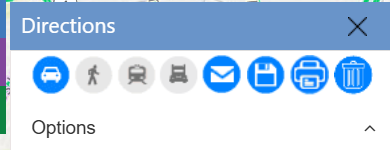
Route Optimization helps one plot driving directions, walking directions, train, and truck directions as well.
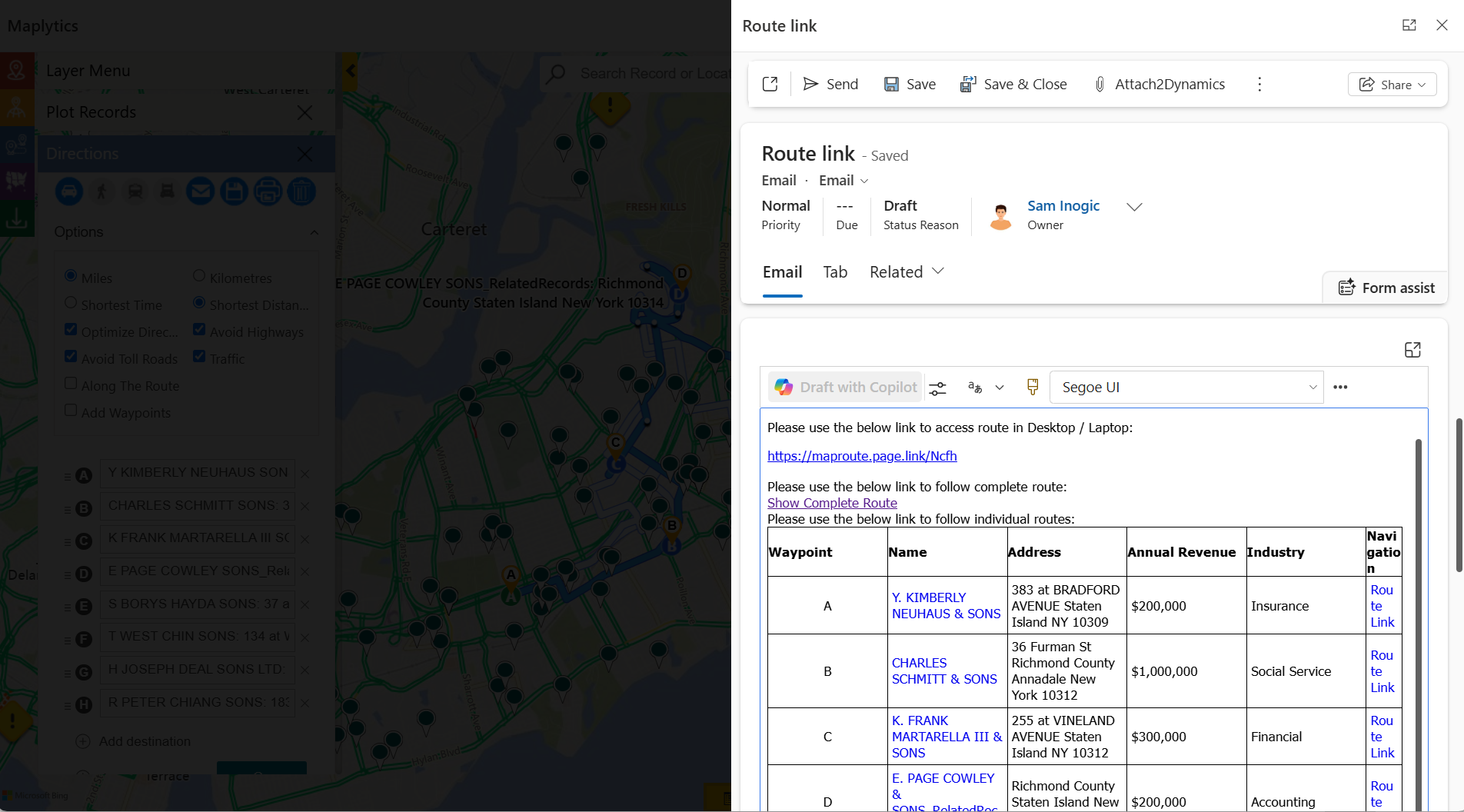
Can I email my travel route?
Yes, the plotted route can be emailed to the client, co-workers, managers, and so on.
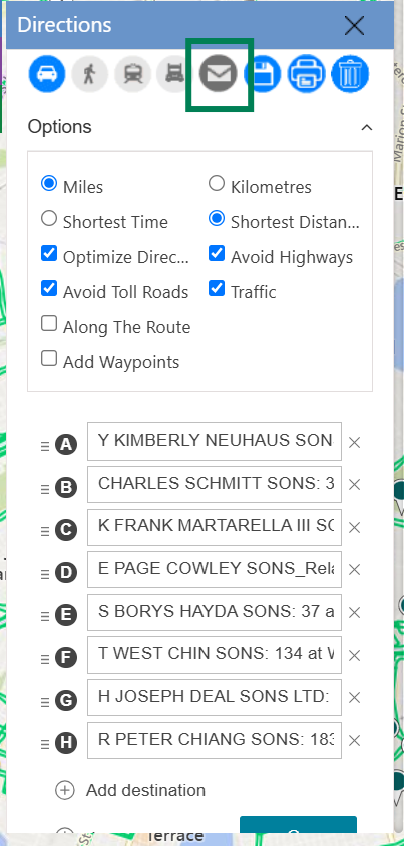
This is how the auto-generated email looks.
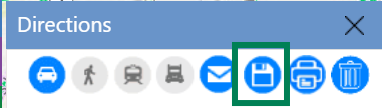
 This route can also be saved by clicking the save option.
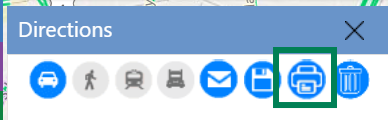
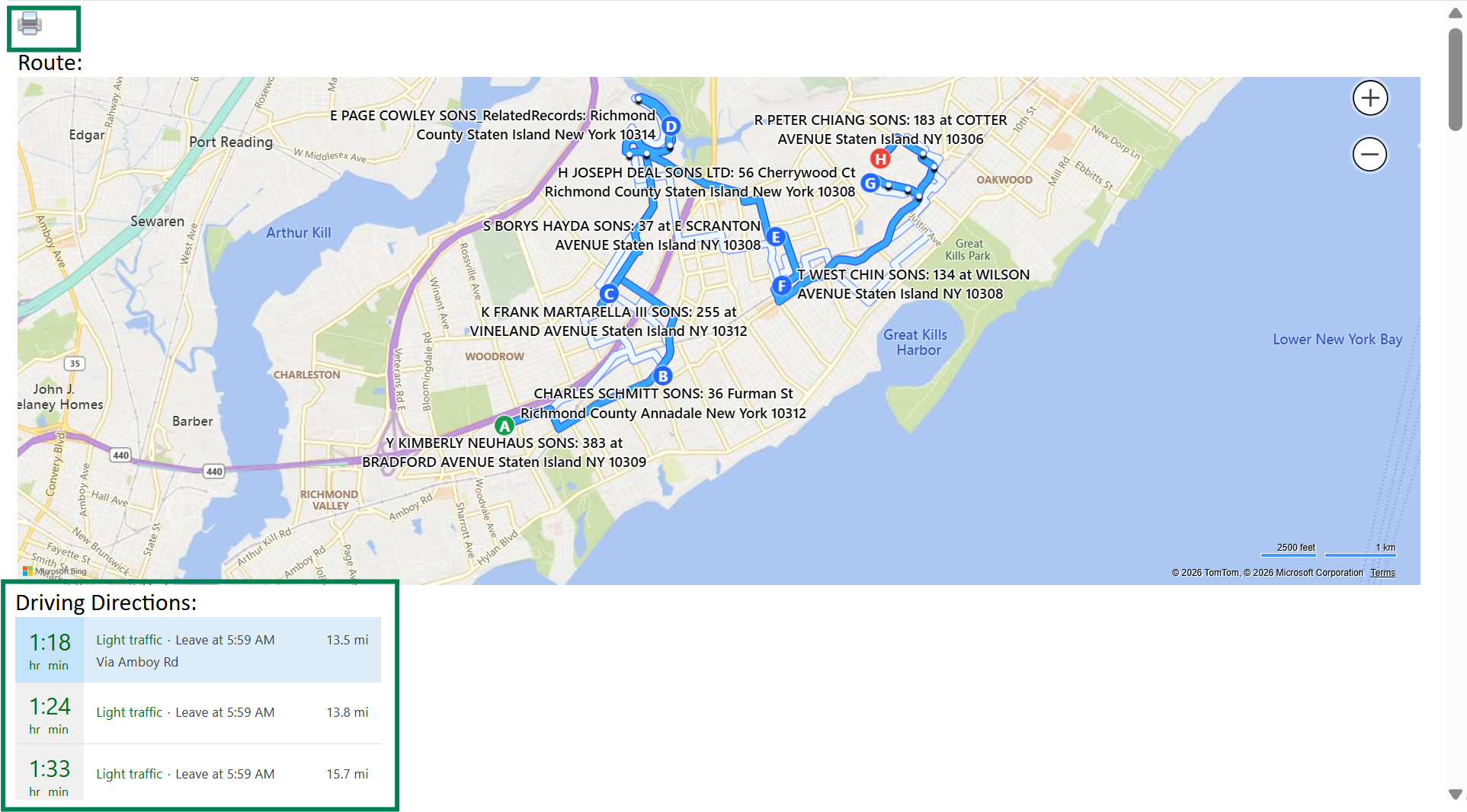
The route can also be shared by printing.
 This route can be cleared for a new one using the ‘Clear The Route’ option.
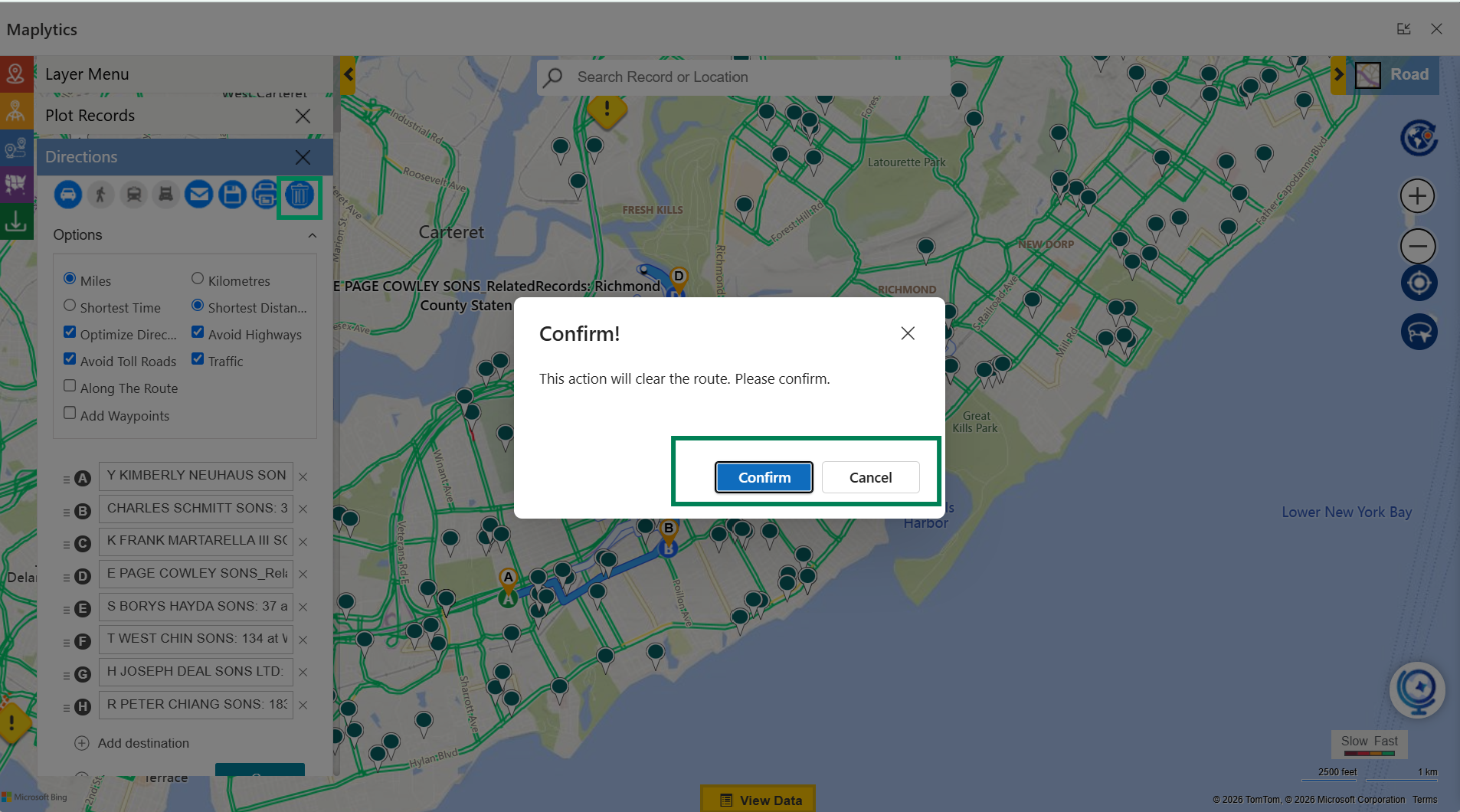 Thus, this is the basic operation of Route Optimization in Maplytics within Dynamics 365, Power Apps, Power Pages, and Dataverse.
Routing FAQs
Q1: How many waypoints can be added to a single route in Maplytics?
Maplytics supports adding multiple waypoints to a route, well beyond just an origin and destination, making it suitable for field teams planning several stops in a single day rather than one-off point-to-point trips.
Q2: Does Route Optimization work with data outside standard CRM records, like Excel sheets?
Yes. Since Maplytics can plot both CRM and external data (such as Excel records) on the map, Route Optimization can factor in locations that haven’t been added to Dynamics 365, not just existing CRM entries.
Q3: Can Route Optimization be used for team or multi-user route planning, not just individual reps?
Yes. Combined with features like Auto Scheduling, routes can be planned across multiple users or team members, helping managers coordinate field visits across a whole team rather than one person at a time.
Q4: Is Route Optimization only useful for driving, or does it support other modes of travel?
Route Optimization supports driving, walking, train, and truck directions, making it flexible for different field scenarios, from a sales rep driving between appointments to a technician navigating a dense urban route on foot.
What’s More?
If you are ready to bring automated planning to your organization’s Dynamics 365 environment, try Maplytics free for 15 days inside Dynamics 365. We would love to show you what a thinking map can do for your team. Maplytics with MapCopilot, its AI assistant, is available immediately for Dynamics 365, Power Apps, Power Pages, and Dataverse. Organizations interested in a personalized demo are also encouraged to contact Maplytics’ sales team at crm@inogic.com
For more information, visit our website or Microsoft Marketplace. One can hop onto the detailed Blogs, Client Testimonials, Success Stories, Industry Applications, and Video Library for quick query resolution. Technical docs for the working of Maplytics are also available for reference.
Kindly leave us a review or write about your experience on the Microsoft Marketplace or the G2 Website.

Sam Kumar
https://www.maplytics.comSam Kumar is the Vice President of Marketing at Inogic, a Microsoft Gold ISV Partner renowned for its innovative apps for Dynamics 365 CRM and Power Apps. With a rich history in Dynamics 365 and Power Platform development, Sam leads a team of certified CRM developers dedicated to pioneering cutting-edge technologies with Copilot and Azure AI the latest additions. Passionate about transforming the CRM industry, Sam’s insights and leadership drive Inogic’s mission to change the “Dynamics” of CRM.